INTRODUCING
Premium Sound Effects now on Musicbed.
Sounds
A major moment for Musicbed is a major moment for you.
Your audience already trusts you—and Musicbed. Now, you get to introduce our largest product release since 2018: built for filmmakers, crafted by award-winning artists, and curated with the same care that built our reputation for music. Sounds is now available as a subscription add-on, giving filmmakers and creators access to a premium library of curated sound effects.
With more momentum and attention than ever, this is your moment to make your Musicbed story go further.
our goal
Help your audience discover that Musicbed now includes music and sounds, all in one library*.
*Note: Sounds is available as a subscription add-on and is not automatically included with a Musicbed subscription.
What’s in it for you?
$$$$ August-only bonuses:
Earn August-only bonuses on top of your regular affiliate commission when your audience signs up for a subscription with the Sounds add-on through your link. This is your biggest earning opportunity of the year, so don't miss out! Here’s how it works:
This bonus is paid on top of your regular affiliate commission, so make sure you’re using your affiliate link!
They must sign up for a subscription between August 12–31st
Payouts will happen in late September
| Total Subscription Conversions in August | Bonus |
|---|---|
| 2 conversions | +$200 bonus |
| 3 conversions | +$300 bonus |
| 5 conversions | +$500 bonus |
| 10 conversions | +$1,000 bonus |
| 11+ conversions | +$100 per additional conversion |
Free Music + Sounds For Your Audience:
We're giving you a full year of Music + Sounds (Personal License) to gift to someone in your audience—or even a friend.
You can run it as a giveaway to help drive extra engagement, or just pass it along however feels right for you.
Get Featured on @musicbed:
We'll be highlighting top posts including Musicbed Sounds throughout all of August.
Your Guide to Talking About Sounds
Below are three creative ways to announce Musicbed sounds to your audience as well as copy points to include. What to always remember:
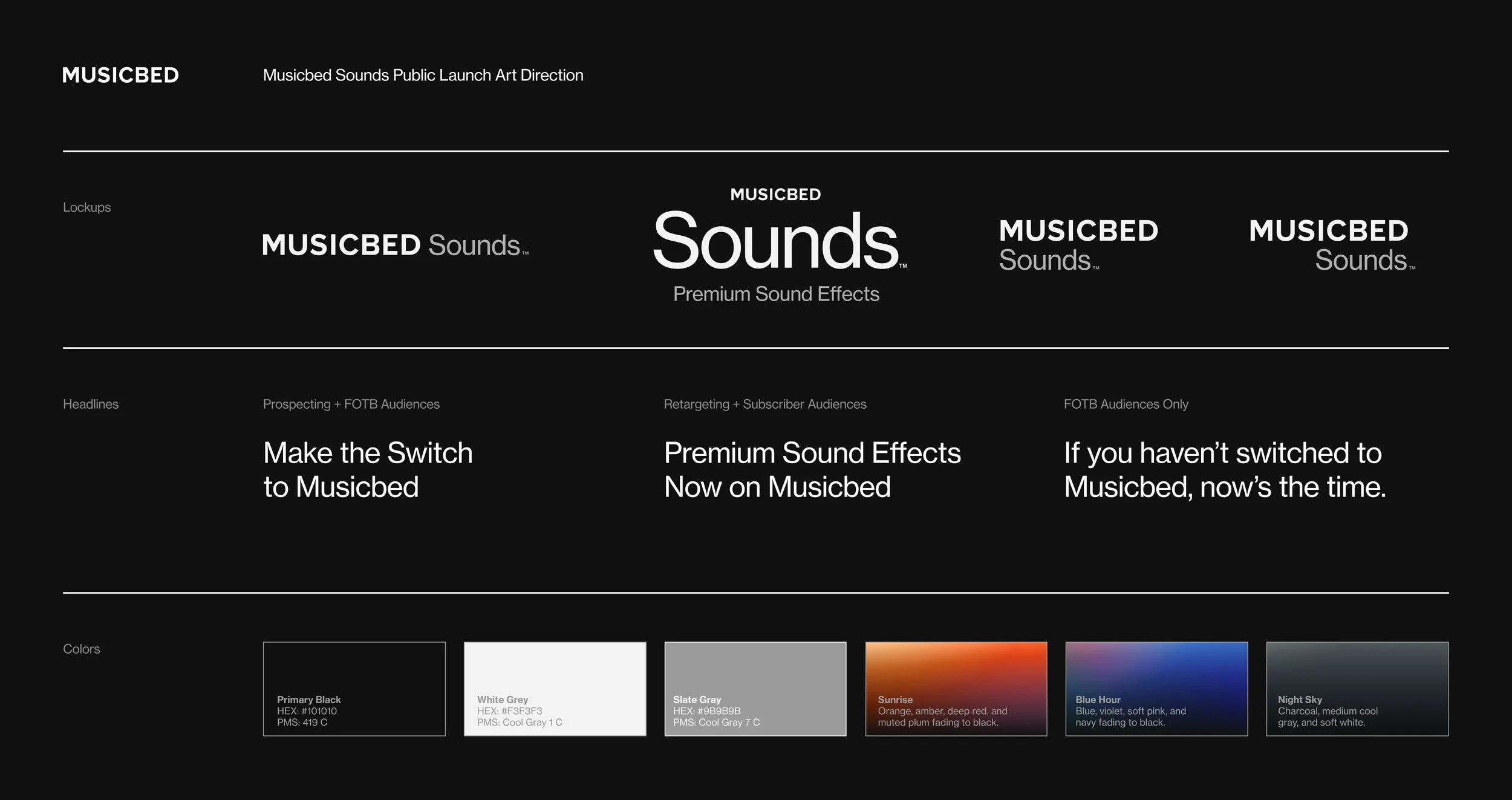
Always call it Sounds or Musicbed Sounds — not “sound effects” or “SFX.”
In a sentence (like music and sounds), no need to capitalize.
Italicize when styled as a product name (ex: Sounds by Musicbed).
Sounds is offered as a subscription add-on, giving you the option to add it to your Musicbed subscription.
Utilize your Musicbed Free Trial affiliate link only. Do not link out to the Sounds Page.
Use these when describing Sounds:
Premium
Authentic
Curated
Cinematic
Hand-crafted
Choose what fits your voice best
Option 1:
Announce to your audience that Musicbed Sounds is live by offering them a free 14-day trial to Musicbed.
WHAT TO DO:
Share a story or feed post announcing the new offering
Use your Free Trial affiliate link
Keep the tone clean and in your style
VISUAL IDEAS:
Scroll through the Sounds library
Text-based story (serif font, clean layout)
Moodboard carousel with a captioned announcement
SUGGESTED CAPTION:
“The music I trust—now with curated sound effects.”
“Musicbed just became my all-in-one audio source.”
“Cinematic music and sound. Same platform. Same subscription.”
Option 2:
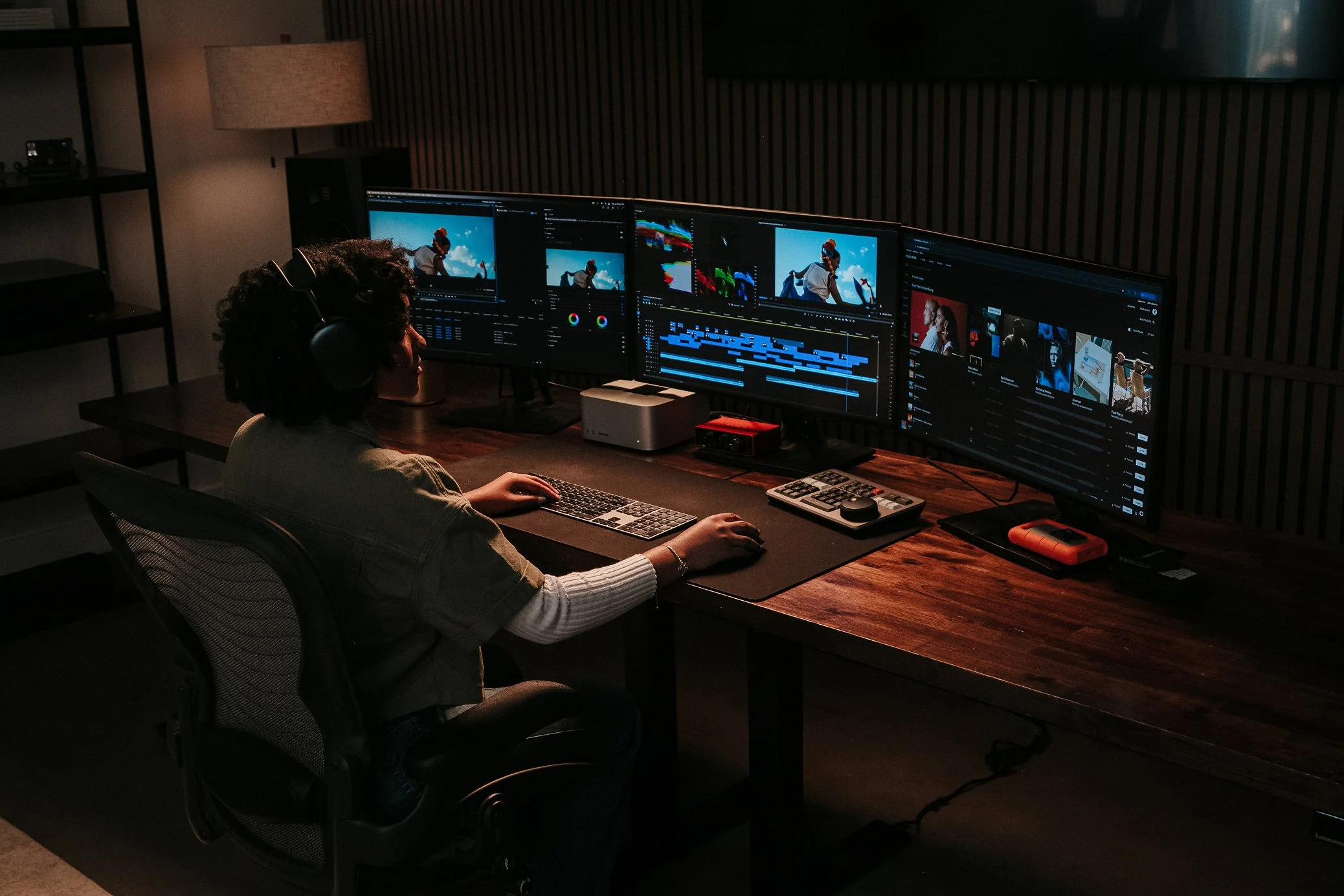
Show your audience how you utilize Musicbed behind-the-scenes by creating content about your creative process in how you utlize music and sounds in your work.
WHAT TO DO:
Share a short behind-the-scenes look at your process or walk through how you layered music and Sounds
Use your Free Trial affiliate link
Keep the tone clean and in your style
VISUAL IDEAS:
Frame-by-frame breakdown of your process (Moodboard → process → final result flow)
Timeline view of your soundbed
SUGGESTED CAPTION:
“Here’s how I used Musicbed’s new Sounds library to bring this to life.”
“No more having to use multiple platforms—everything I need for music and sound is in Musicbed's library.”
Option 3:
Create your own Musicbed Challenge by inviting your audience to participate in creating a reel based on a theme you pick, featuring Musicbed music and sounds.
WHAT TO DO:
Invite your audience to create something using Musicbed music + Sounds
The winner(s) receive a free Business subscription ($1200 value), Musicbed Merch, + one year of Sounds
Keep the tone clean and in your style
WHAT WE’LL DO:
Provide a Musicbed Playlist with songs to choose from (they can also sign up for a free trial for their submission)
Provide subscription/sounds for winners
HOW TO PROMOTE IT:
Announce on Stories or a Reel
Set a deadline and choose a theme or prompt
Ask participants to:
Use your unique hashtag (ex: #YourNamexMusicbedChallenge)
Tag @musicbed
Tag you directly
FAQs
Do I have to post?
This is the biggest launch Musicbed has had in years—and we built this campaign with you in mind. As a Friend of the Brand, your post helps shape this moment. Posting in August also unlocks your exclusive bonus payout, so we’d love to see you be part of it..
Help! I don’t see Sounds access in my account. What do I do?
No problem—just fill out this form first and then email Crystal (crystal.henry@fm.co) to confirm and we’ll get you set up!
Will Musicbed be sharing posts? Should I share as a collab post?
Yes! We’ll be resharing standout posts throughout August. If you'd like to tag us as a collaborator when you post, feel free to add us!
What if I want to work on a paid post for Musicbed?
We’ve already booked all influencer ads for this launch, so we’re not adding any additional paid posts for Sounds at this time. That said, we’ll continue booking ads for Sounds in the future—so stay tuned.
How does my audience gain access to Sounds?
Sounds is an optional subscription add-on.
For new subscribers: They can add Sounds at checkout on the Free Trial landing page.
For existing subscribers: They can select “Add Sounds” from the navigation bar.
How long do I have to post?
The campaign runs through August 31—that’s the last day to earn bonus payouts. After that, you can still talk about Musicbed Sounds anytime, but the extra rewards end when the month does.
Is there a cap on bonuses?
Nope! You’ll earn $100 for every new subscription purchased through your link in August—no limit.
Does my free trial link work for this?
Yep! Your existing free trial link works for Sounds and is the one you should use. If you’re not sure what your link is or need a new one, just email Crystal (crystal.henry@fm.co) and she’ll help you out.
Any other questions?
We’ve got you—just reach out to Crystal (crystal.henry@fm.co) and we’ll take care of you!
This is your moment.
This is your moment.
You’ve helped shape what Musicbed means to filmmakers. Now, we want this to be a big moment for you too.
Musicbed has more excitement, more attention, and more advertising now than any other moment this year. You'll be joining a wave of momentum, not just adding a drop in the content sea.
You get to be one of the first to share that Musicbed now offers both music and sound in one curated platform.
We can’t wait to see how you make it your own.